
Early access: free for agencies
One hub to replace your agency stack.
From brief to paid, in one place.
Swap your project tool, team chat, time tracker, proposals and invoicing for one workspace, plus a portal your clients will actually use.
Free during early access. No credit card.
- Set up in minutes
- Clients join free
- Your data, exportable any time
Docs
Reports
Replaces
See it in action, screen by screen
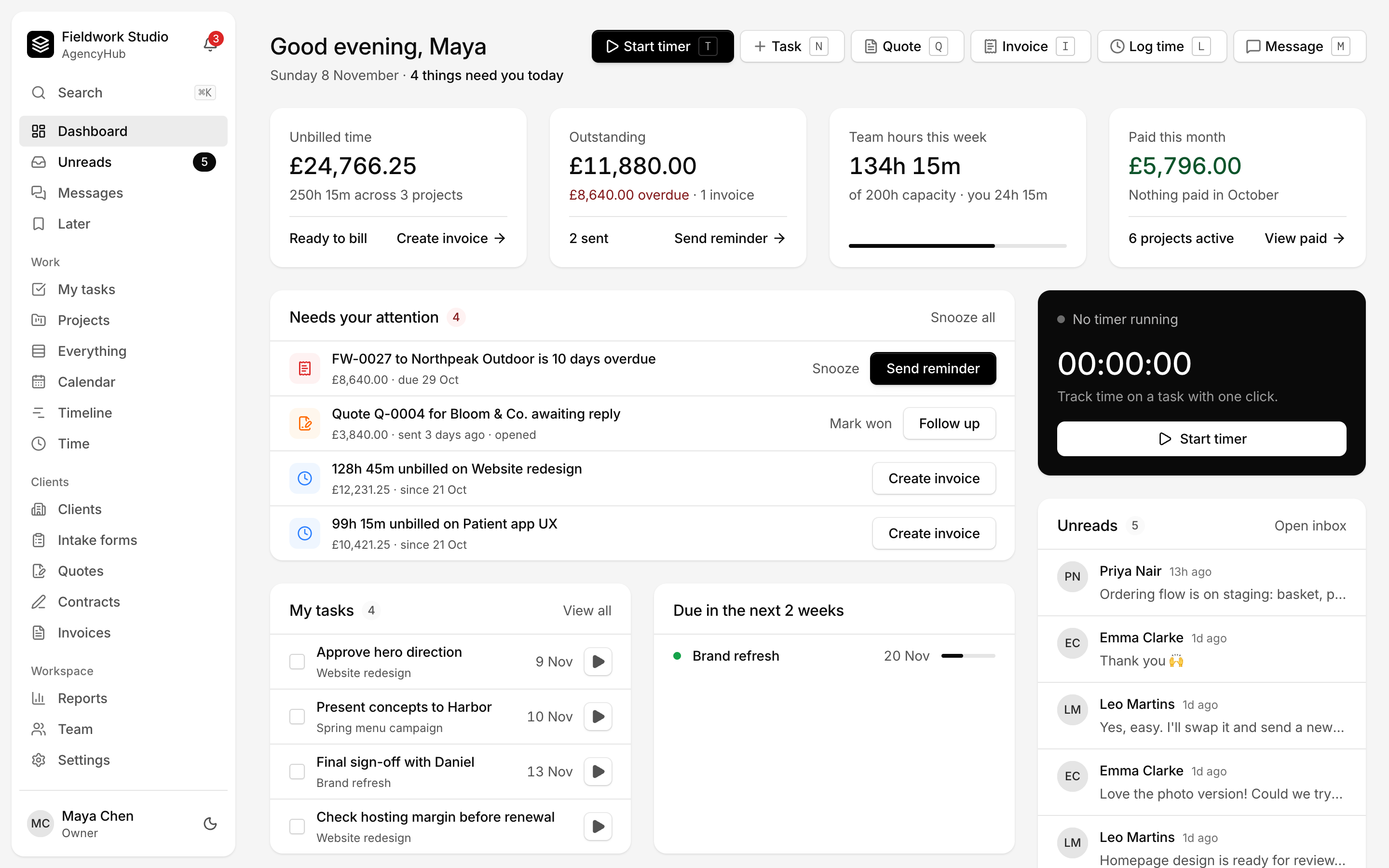
Real screens from a real workspace. Switch between light and dark to see both.
What needs you today: overdue invoices, quotes waiting for a reply, unbilled time, your tasks and unread messages.
Everything your agency runs on, in one place
60+ features for client work, connected, so nothing falls between tools.
- Projects
- Client portal
- Messaging
- Invoicing
- Kanban boards
- Tasks
- Checklists
- Tags
- Milestones
- Dependencies
- Custom fields
- Everything view
- Client approvals
- Intake forms
- Docs
- Time tracking
- Quotes
- Contracts
- E-signature
- Reports
- Dashboard
- My tasks
- Templates
- Recurring tasks
- Automations
- Search ⌘K
- Calendar
- Timeline
- Threads
- Mentions
- Reactions
- Pinned messages
- Internal notes
- Direct messages
- Unreads
- Save for later
- Email to project
- Push notifications
- Estimates
- Capacity
- Expenses
- Recurring invoices
- Payment reminders
- Profit by client
- Guests
- Roles
- Two-factor sign-in
- Audit log
- Data export
- Retention
- Domain join
- Webhooks & API
- Slack & Teams
- Meeting links
- Time zones
- Dark mode
- Keyboard shortcuts
- Install as app
- Priorities
- Reminders
- User groups
- Timesheets
- Status & away
- Activity feed
- Payment page
- Multi-currency
- Your branding
- Email digests
Run every client project from one place
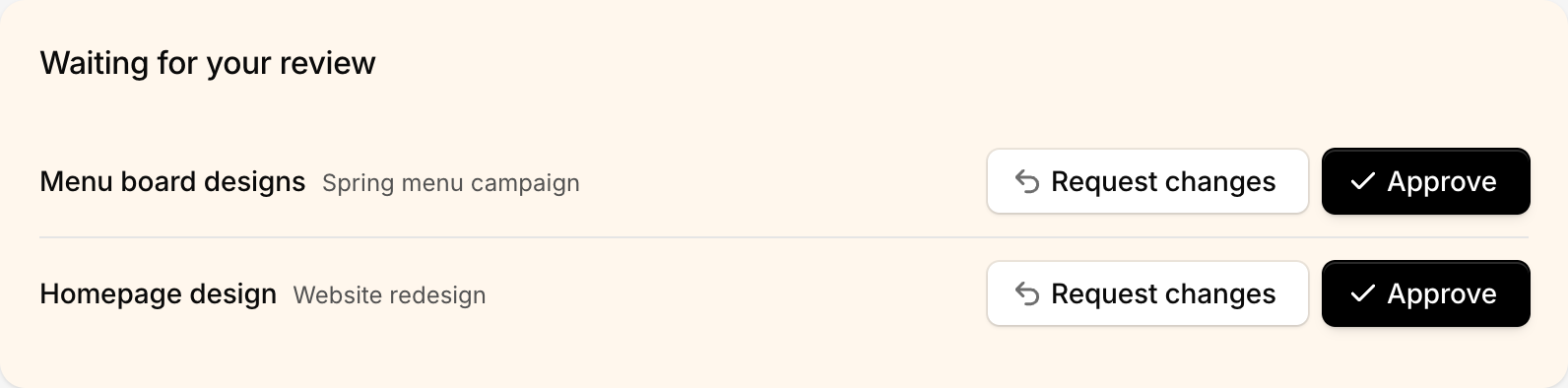
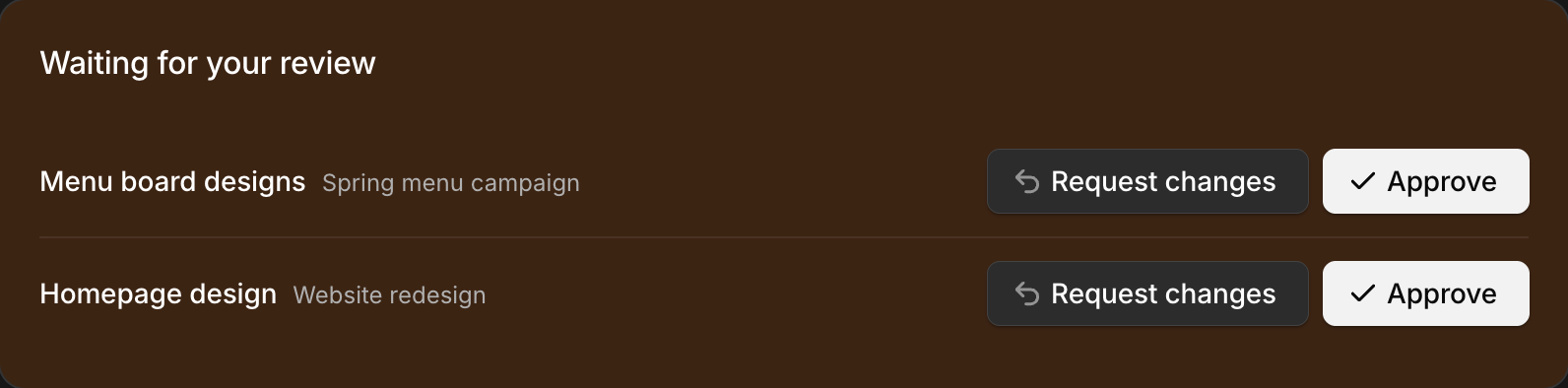
Approvals in one click
Clients get their own login to see progress, approve work, reply to messages, accept quotes, sign contracts and pay invoices. No more chasing feedback across email threads.
- Waiting-for-review list on the client's home
- Approve or request changes with a comment
- Every decision logged on the task
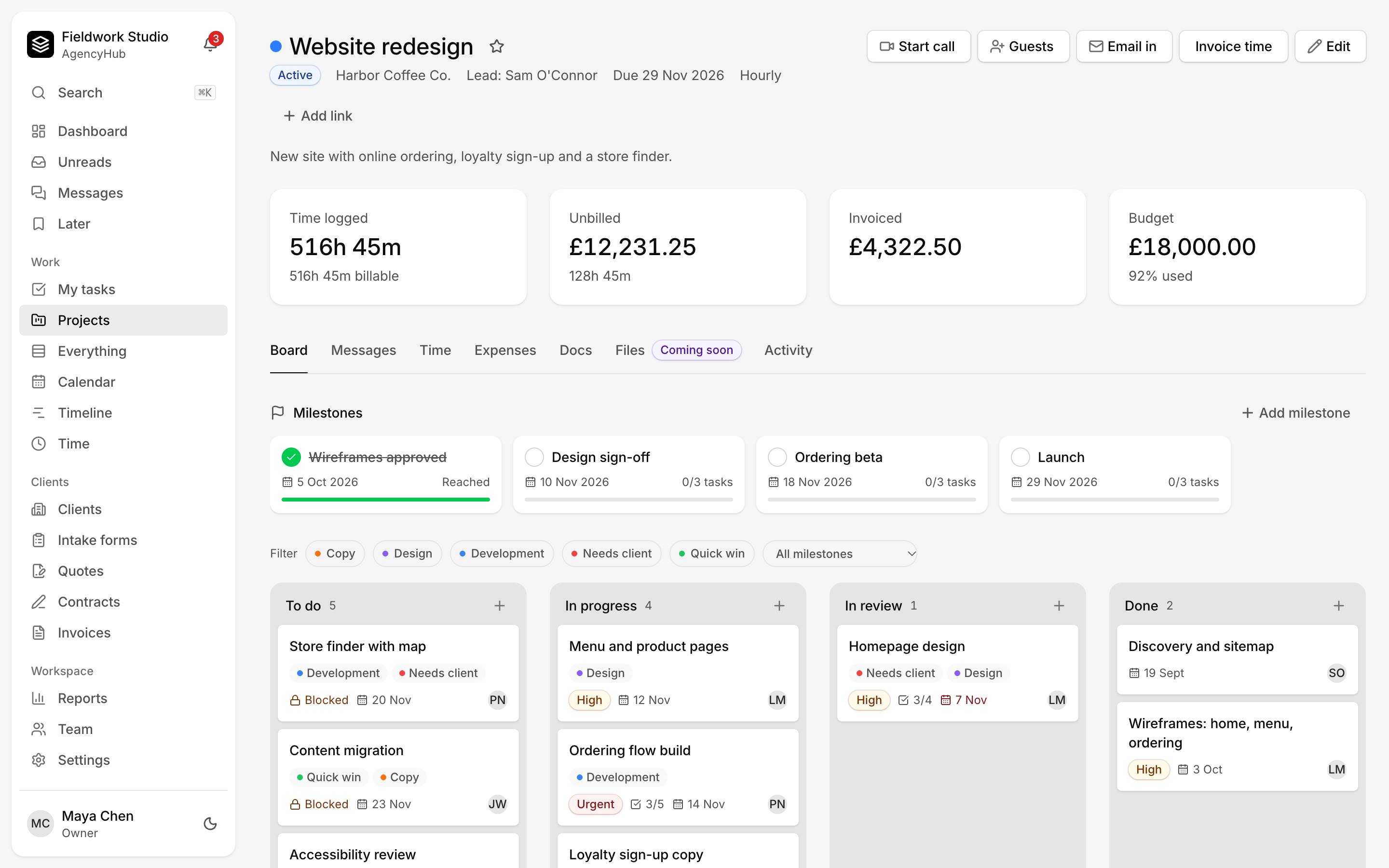
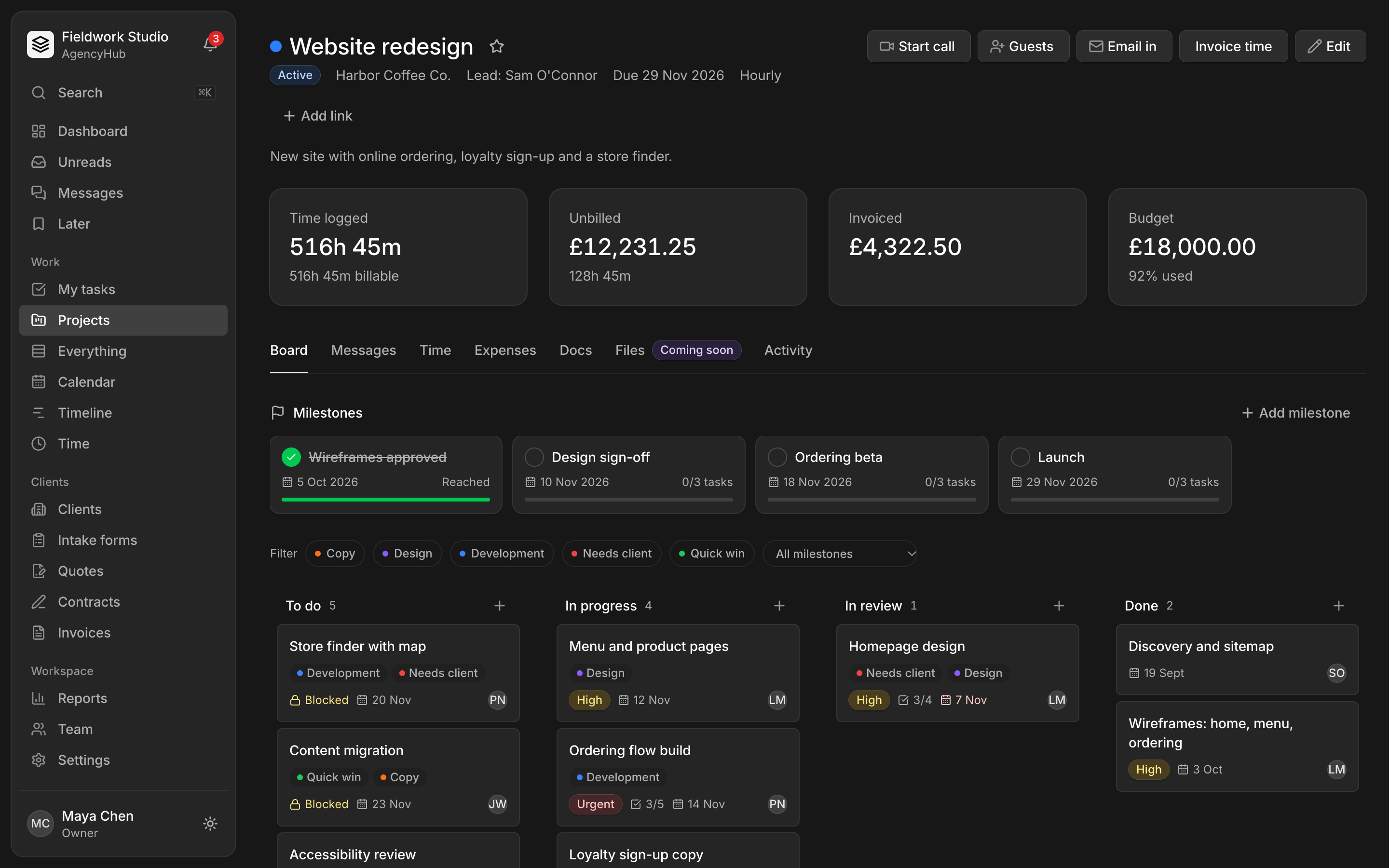
Boards built around client review
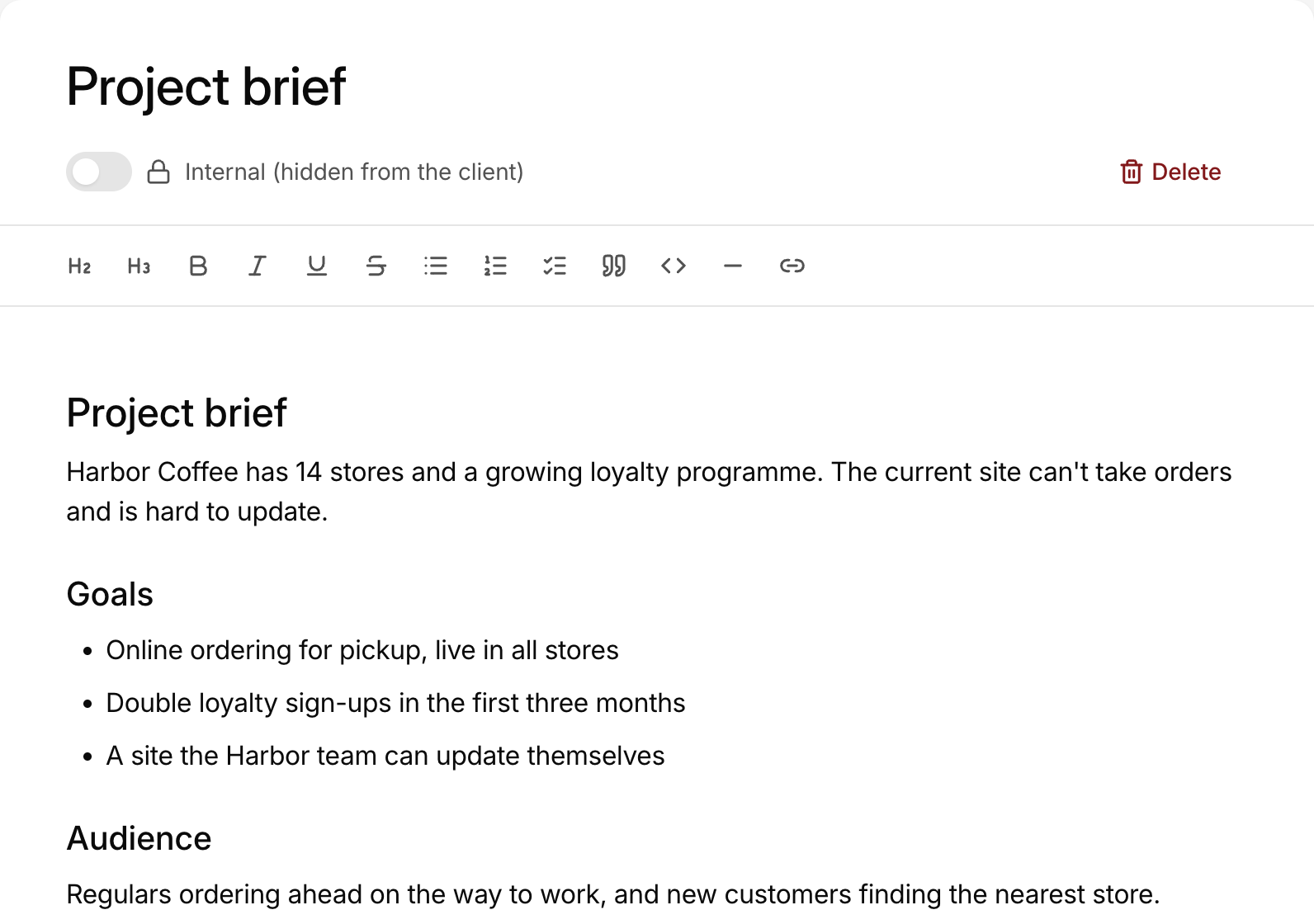
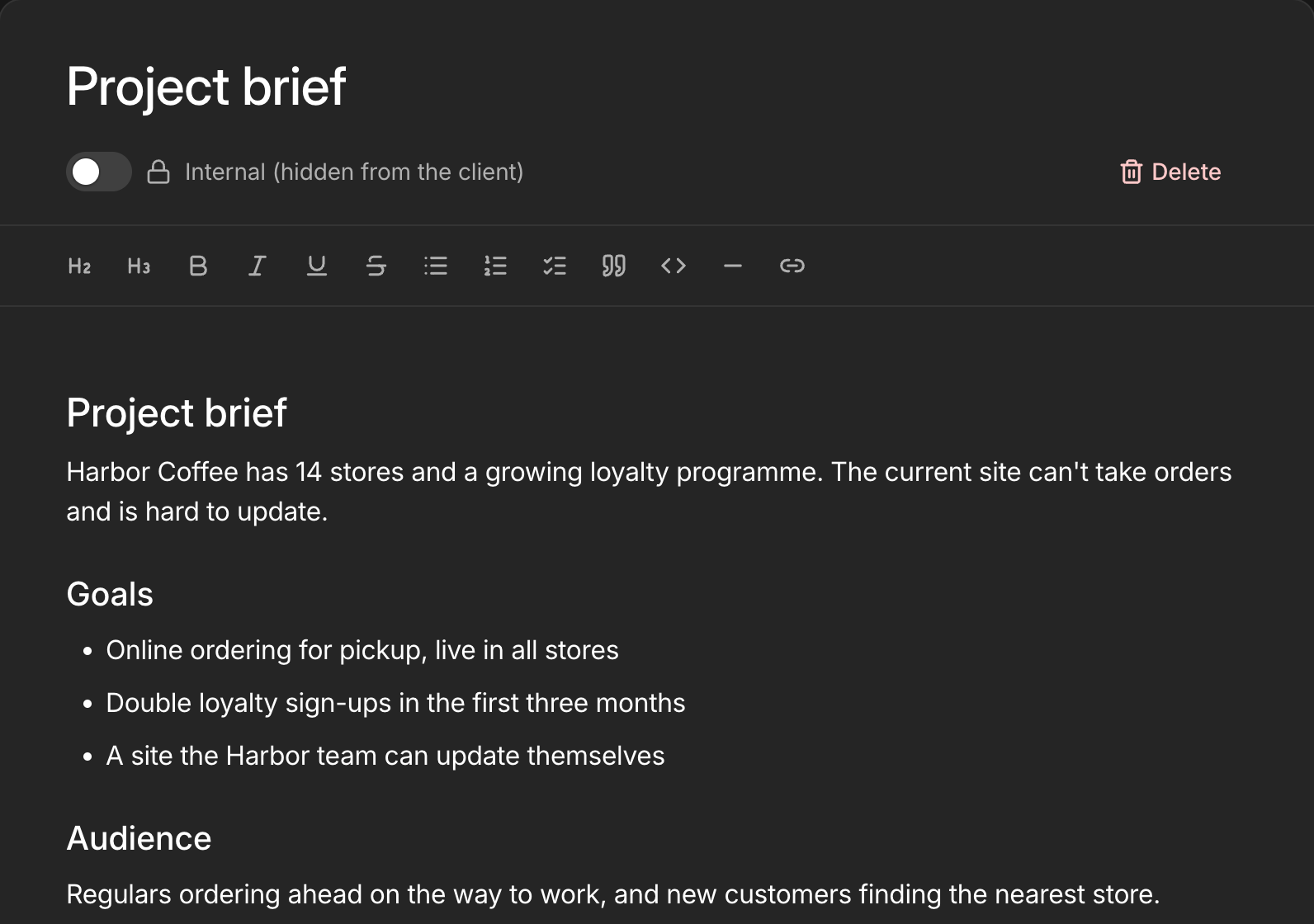
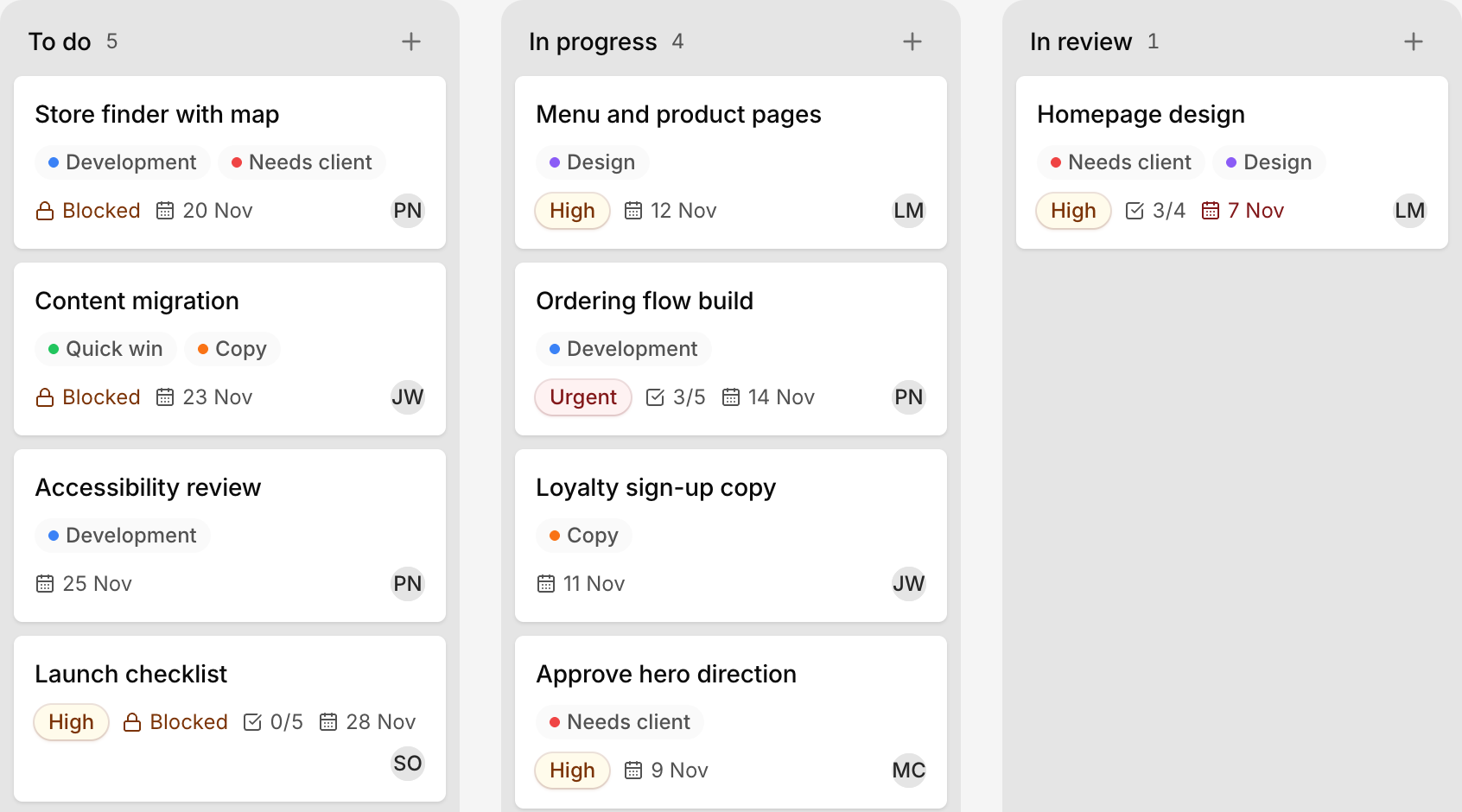
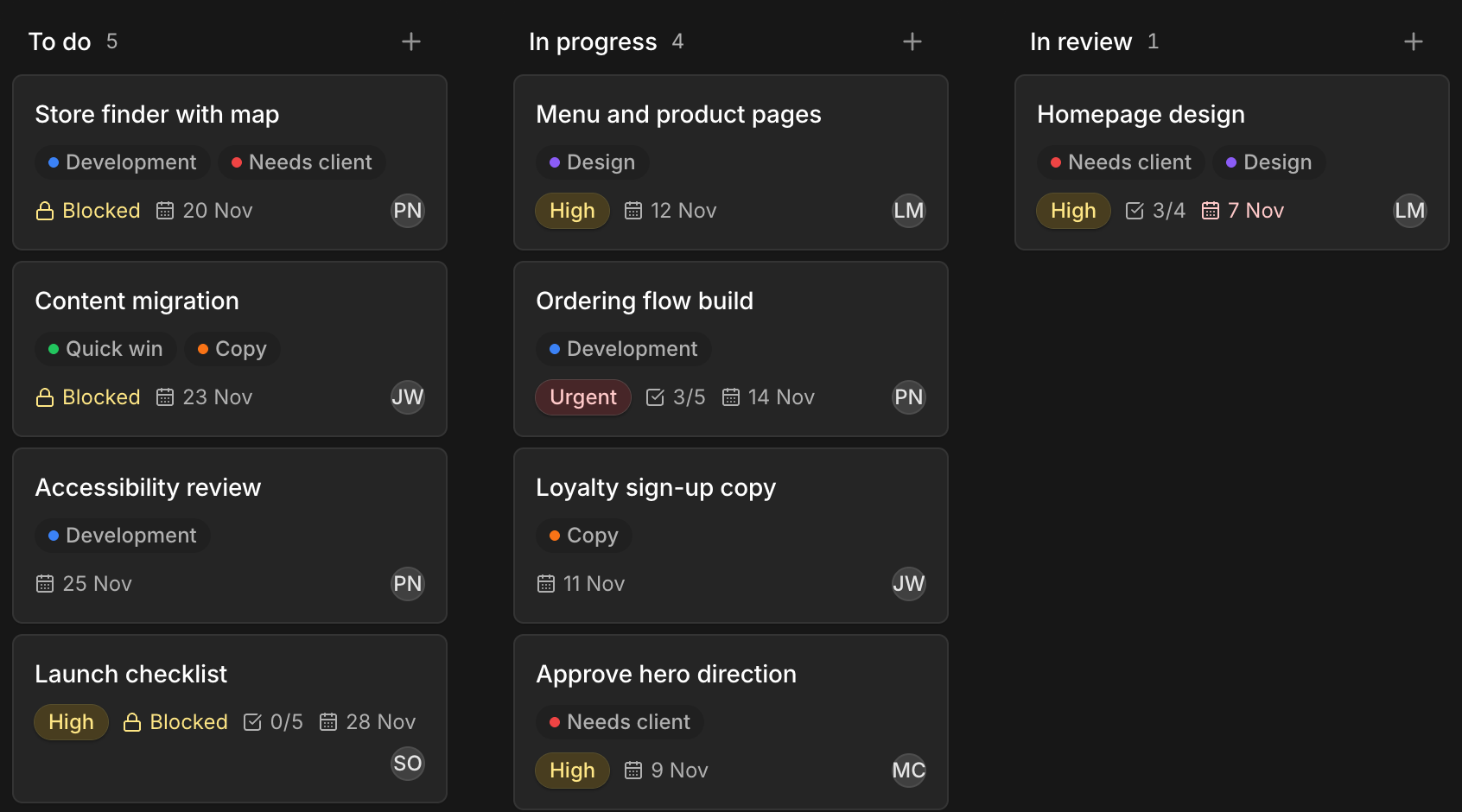
Boards your team will use, with assignees, priorities, due dates and the client's approval on each card. Briefs and meeting notes live next to the work.
- Priorities, due dates, tags and checklists on every card
- Milestones your client can follow
- Internal tasks the client never sees
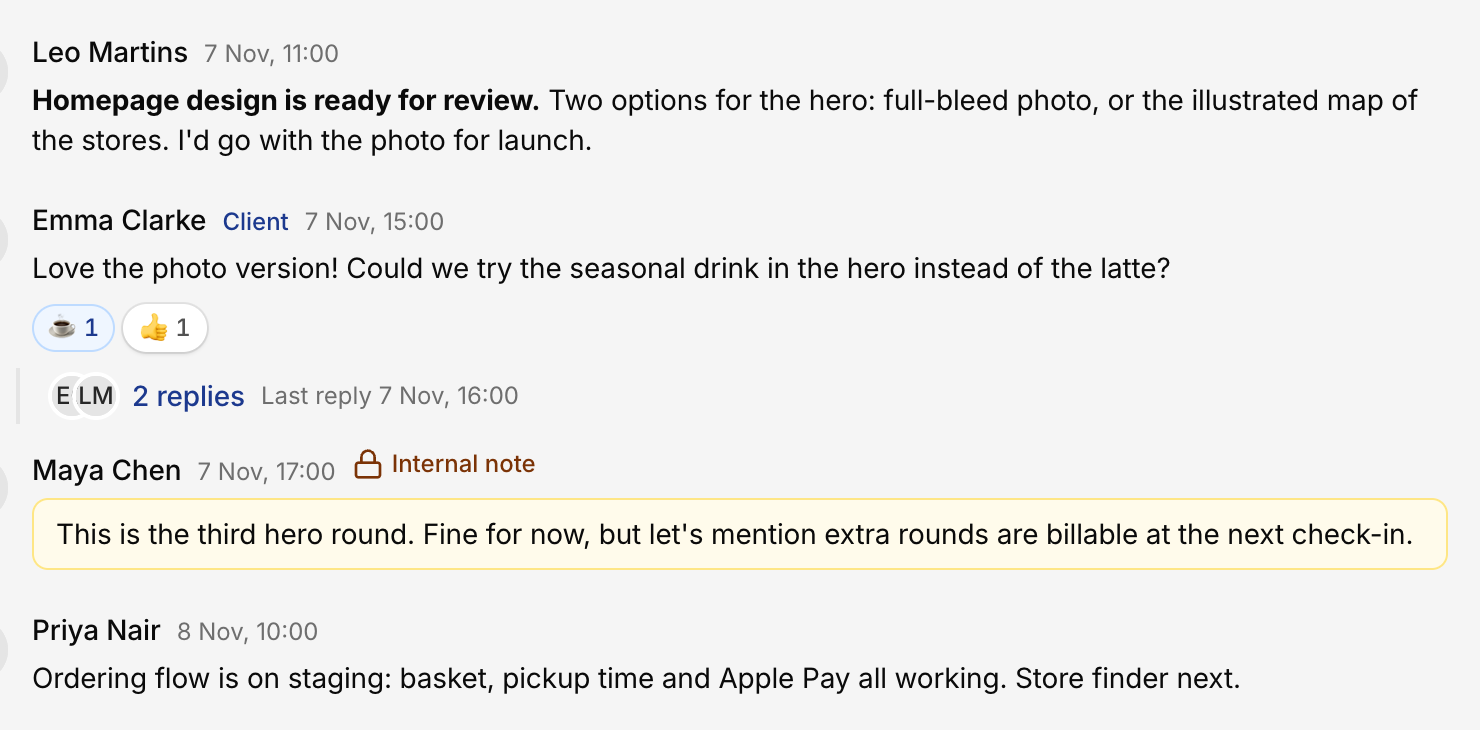
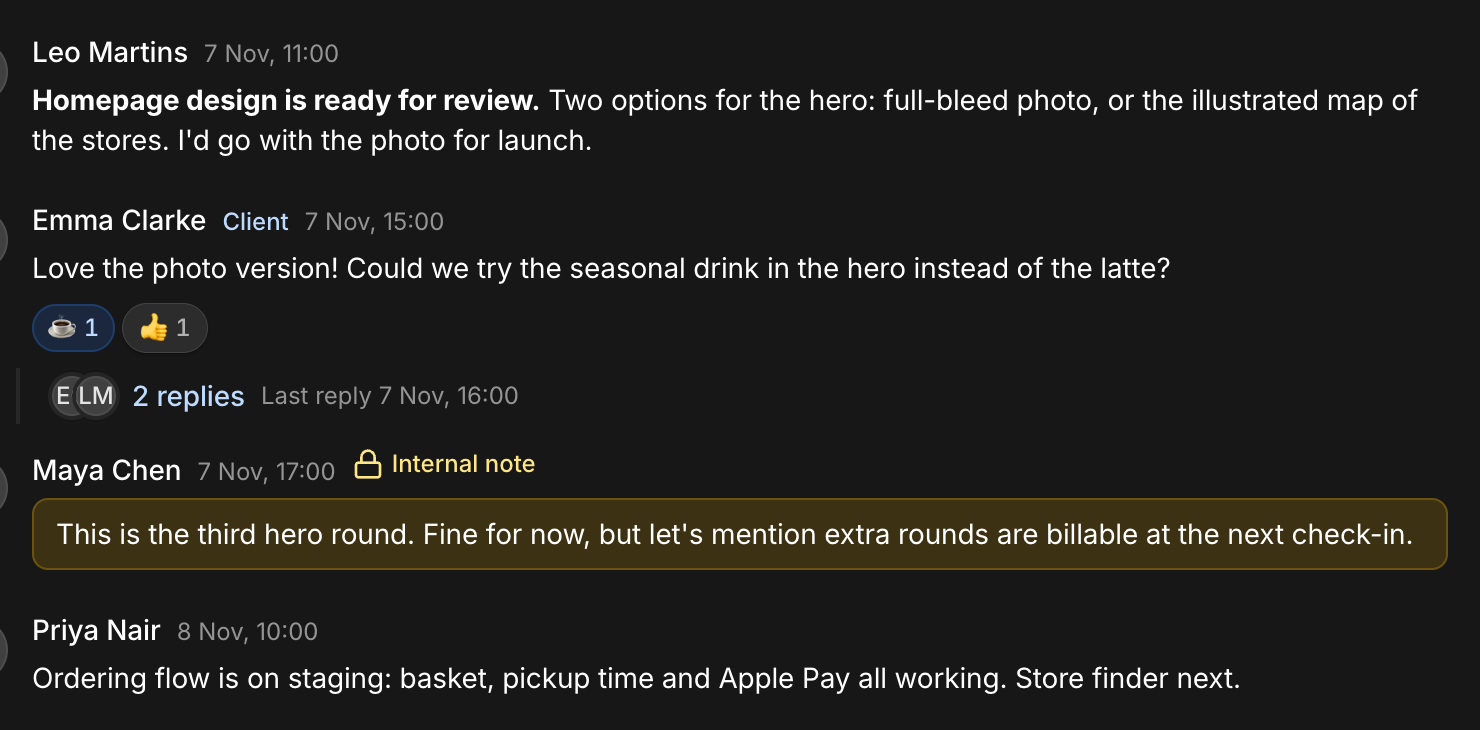
Conversations where the work is
Every conversation lives on its project, with threads, mentions, reactions and pinned messages. Internal notes sit right next to them, invisible to the client.
- Threads, @mentions, reactions and pins
- Edit and delete your own messages
- Unreads across every project in one inbox

Up and running this afternoon.
No migration project, no training days.
- 01
Create your workspace
Sign up, name your agency, set your currency, rates and invoice details.
- 02
Invite your team and clients
Send a link. Teammates get the full workspace; clients get their own portal.
- 03
Deliver and get paid
Plan on the board, log time, collect approvals and send invoices from the same place.
From signed contract to paid invoice
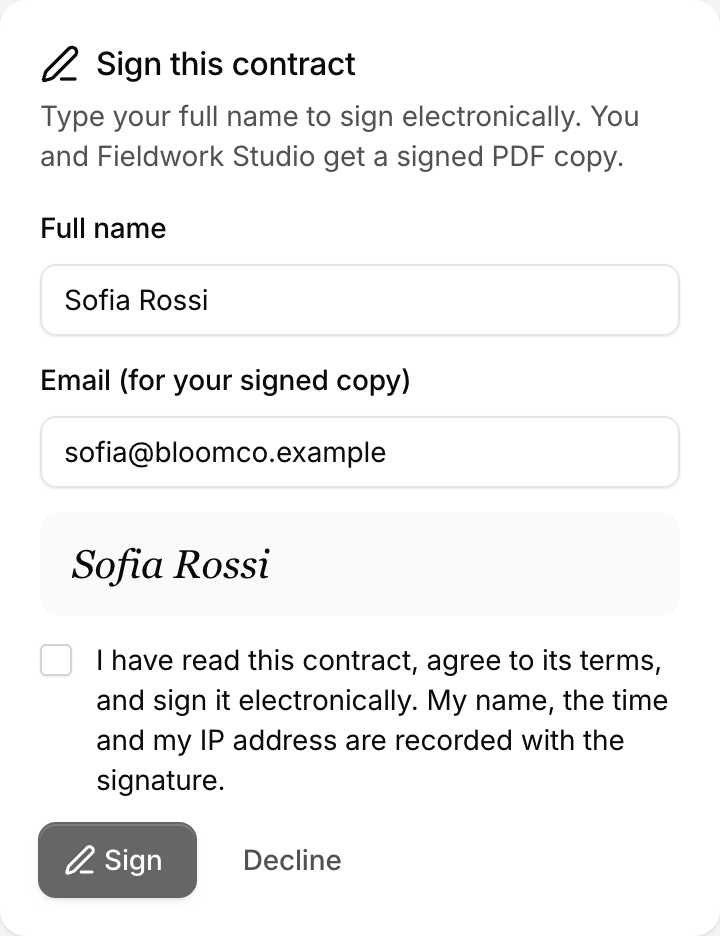
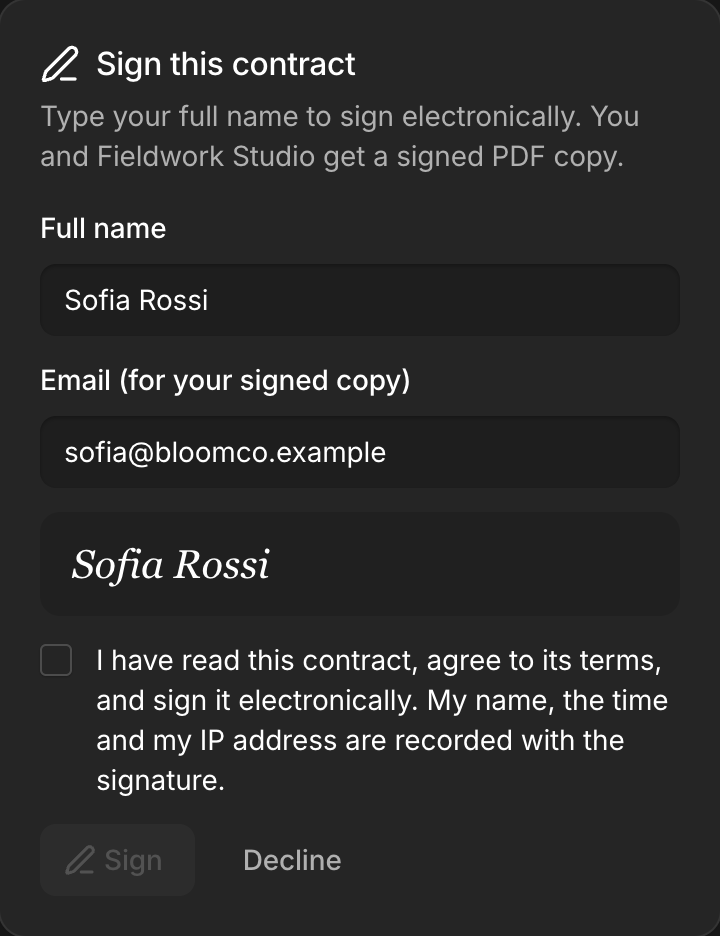
Contracts with e-signature
Send a quote the client accepts online, then a contract they sign with their name. Both sides get the signed PDF, with a full record of who signed and when.
- Service agreement and NDA templates
- Name, email, time, IP and device recorded
- Signed PDF with a signature record page
Invoices from your own address
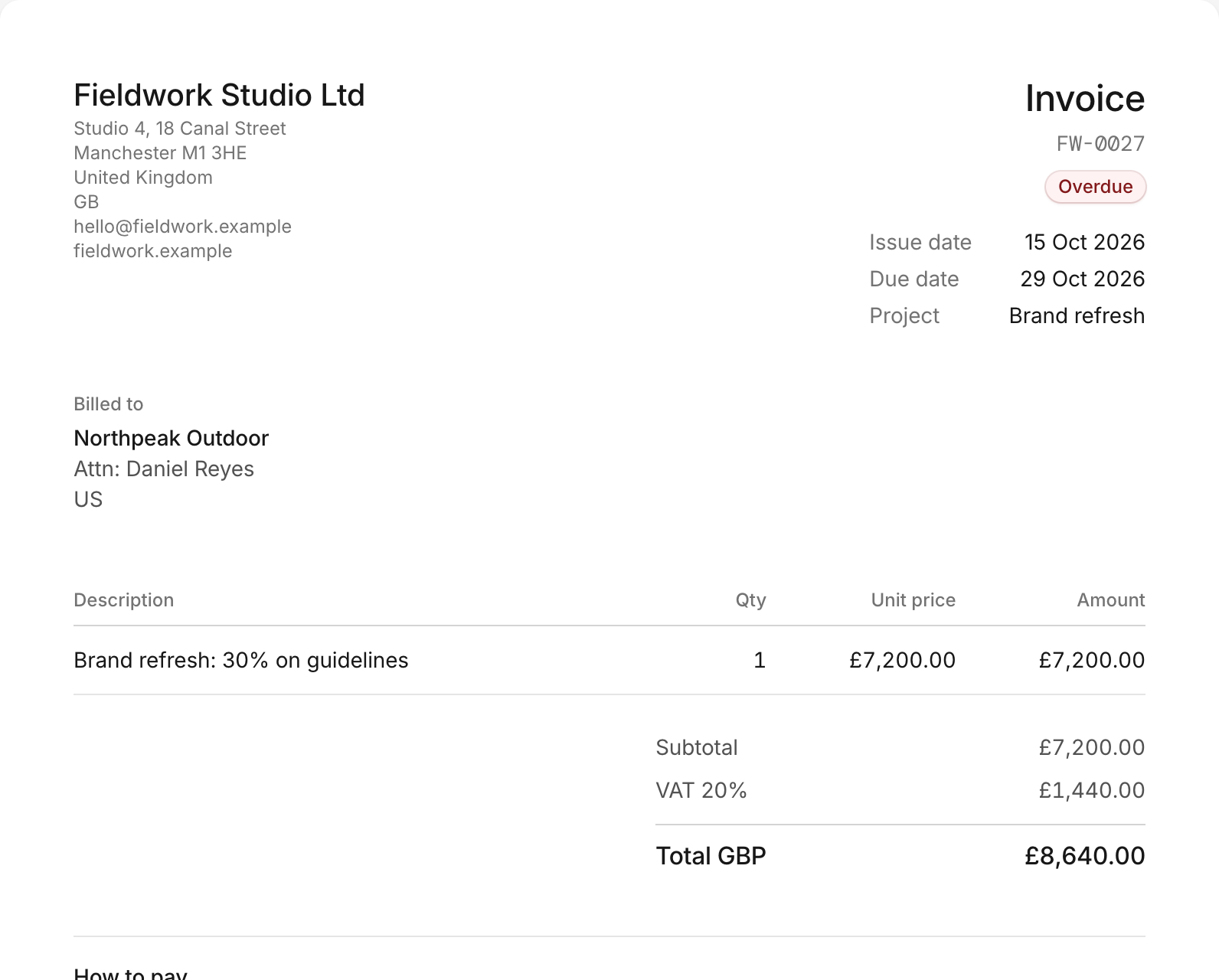
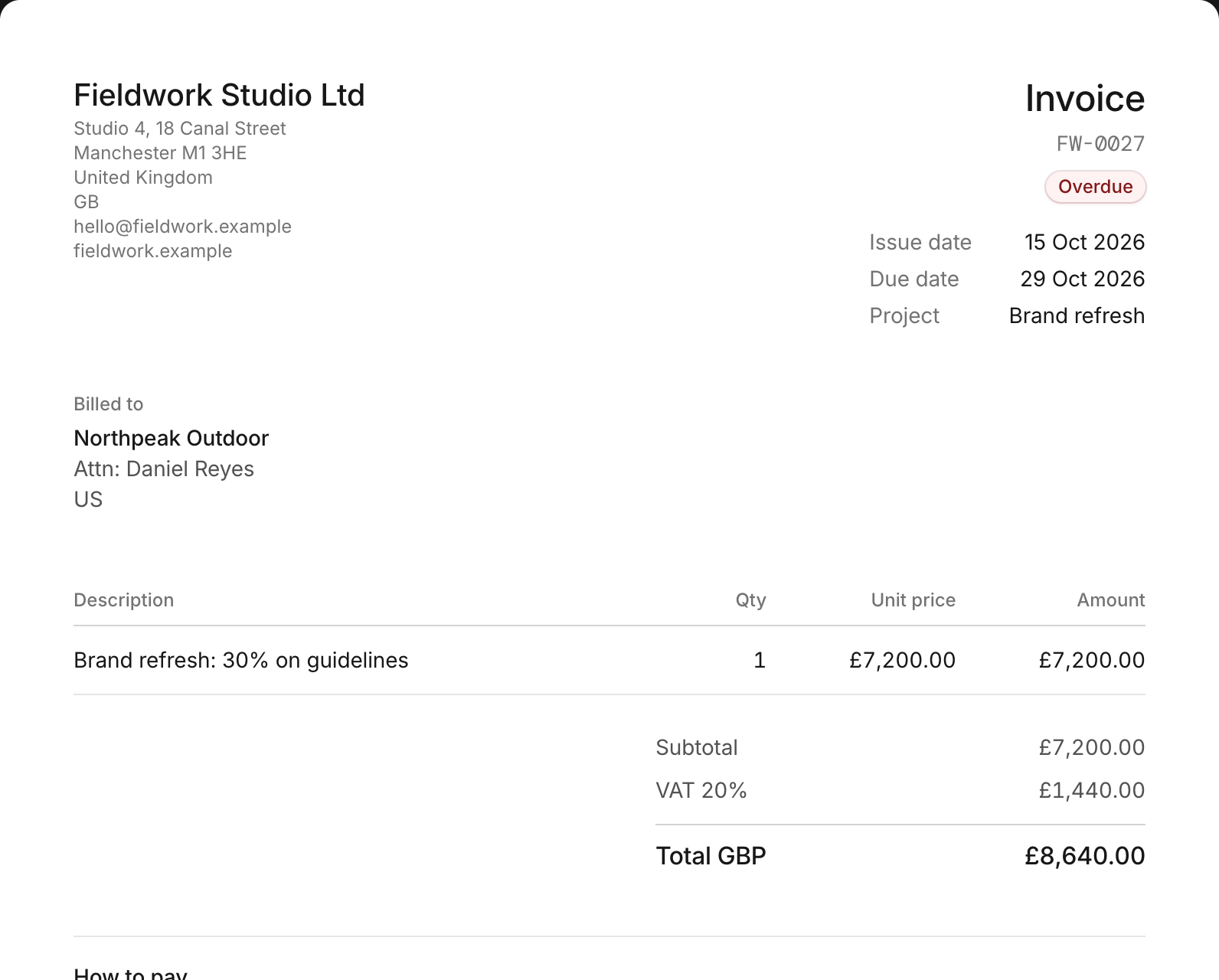
Pull unbilled time and expenses onto an invoice, send it from your own email address, and let reminders do the chasing.
- Time, expenses and fixed fees on one invoice
- VAT and tax-inclusive prices
- Your logo, bank details and footer
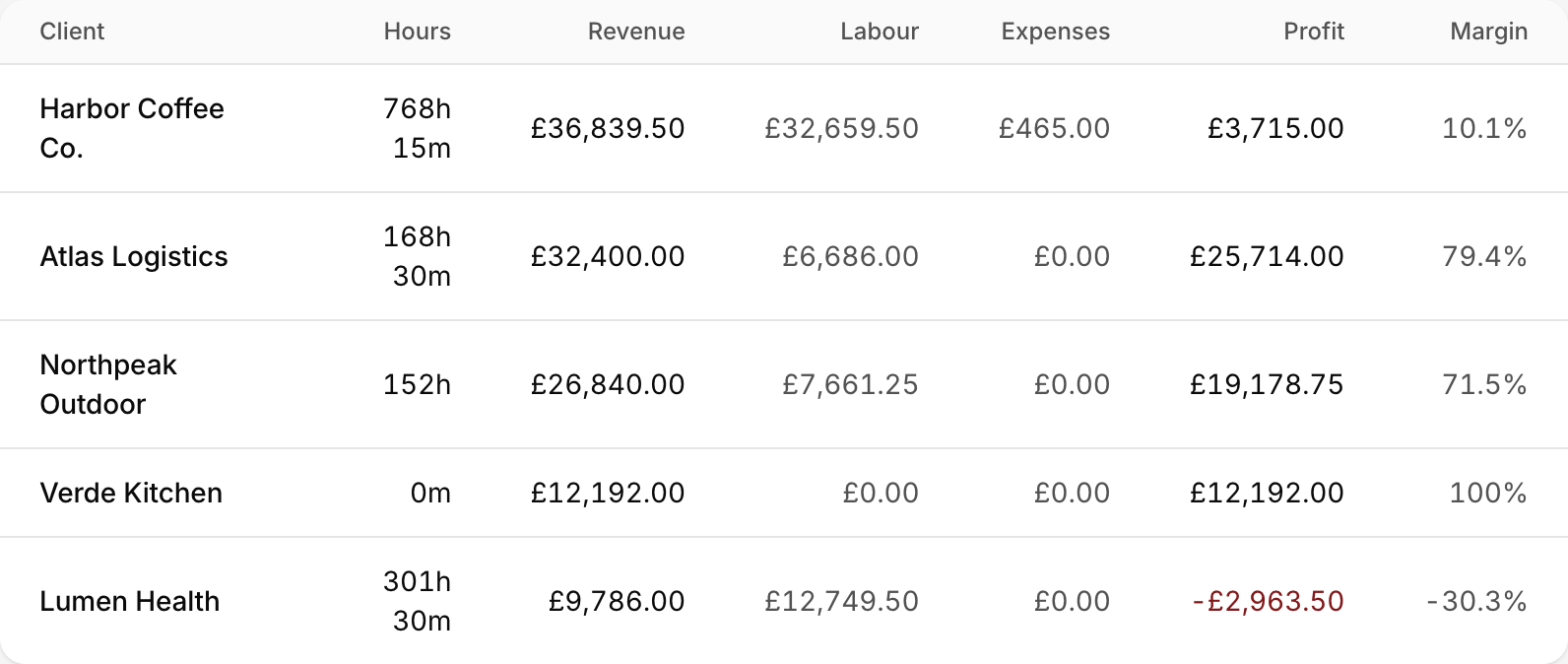
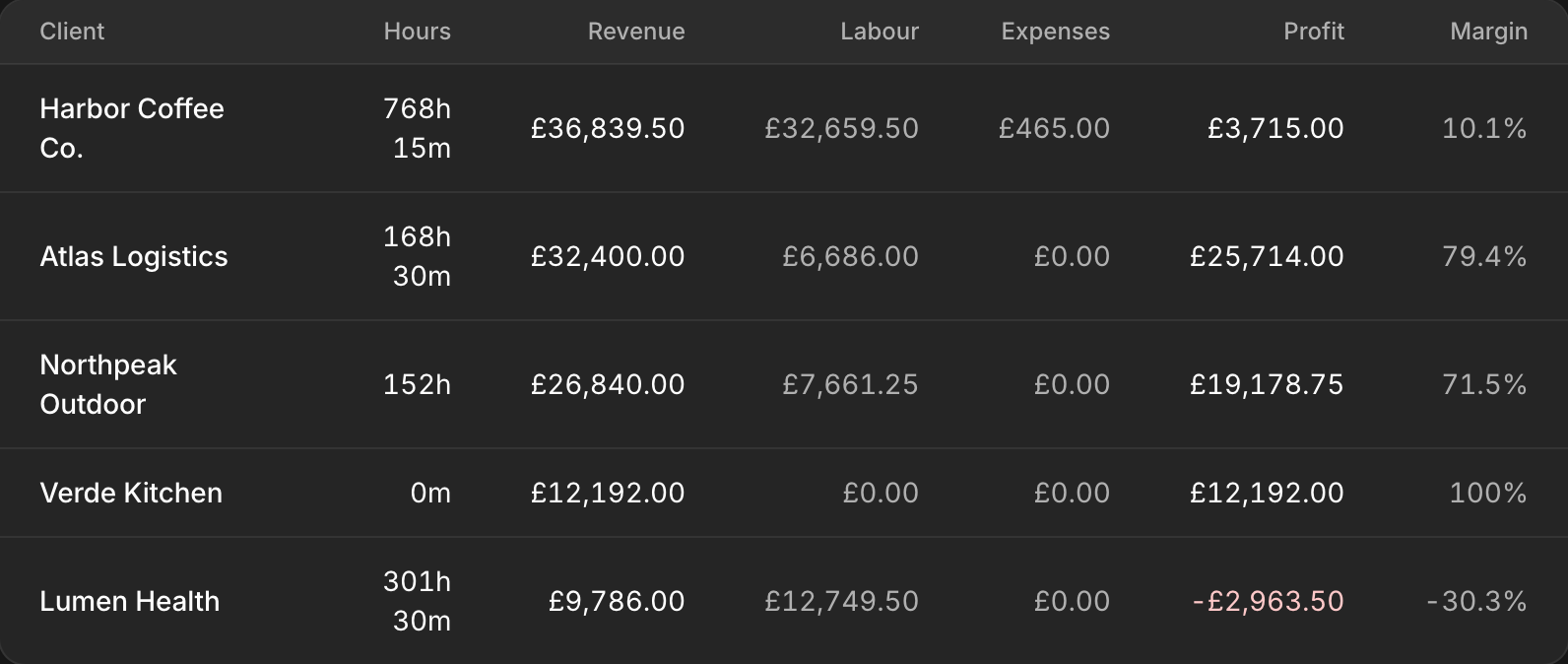
Profit by client and project
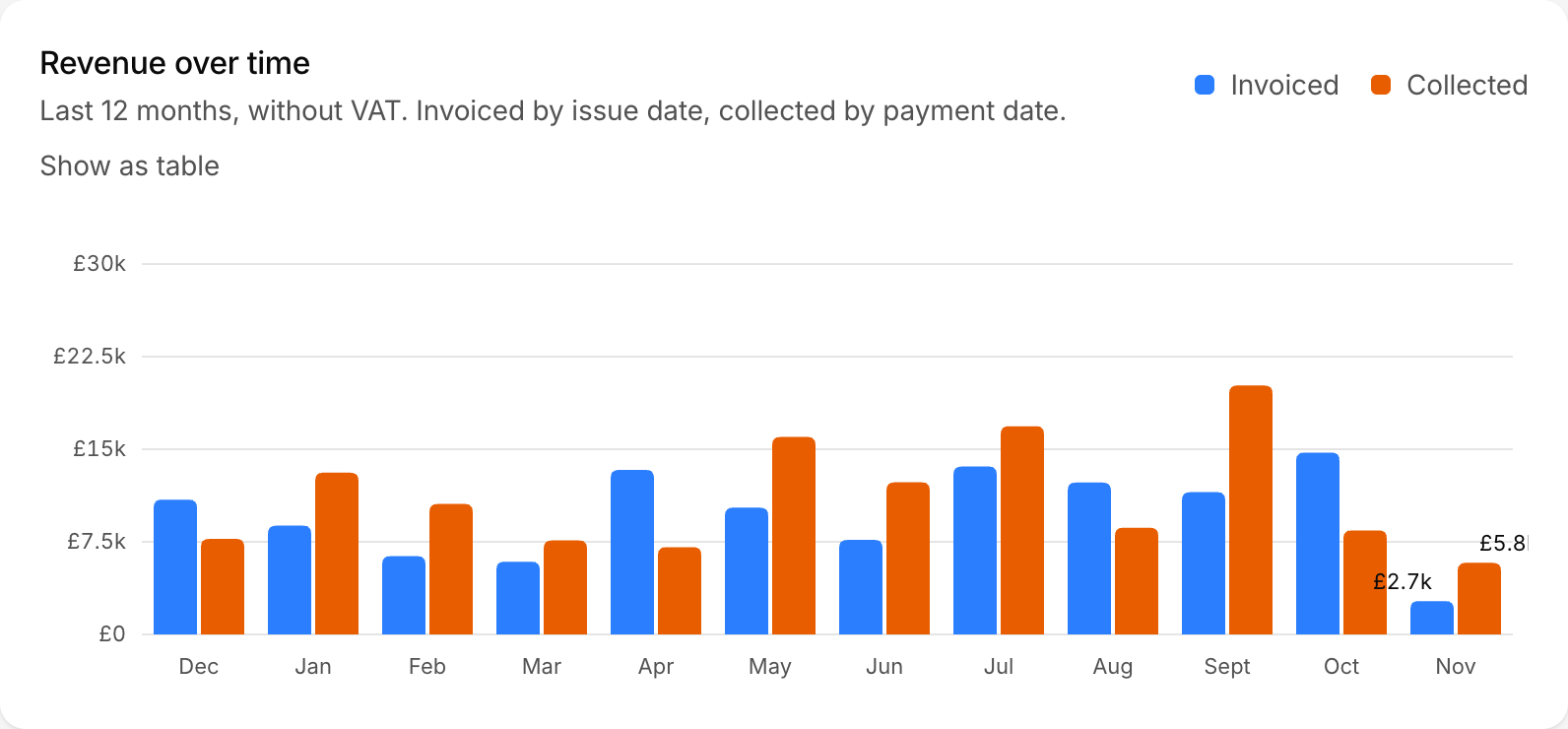
Revenue, profit per client and project, and how busy each person is, from the time and invoices you already have.
Everything you need, nothing you don't
Every part of client work, connected.
Made for client work, whatever you sell
Thinking about ClickUp or Slack? See the difference.
Honest comparisons, including what they do better.
Questions agencies ask
Can my clients see everything?+
No. Clients only see their own projects, the tasks you mark as visible, messages that aren't internal notes, and invoices once you've sent them. Rates, budgets, time entries and drafts stay with your team.
Is each agency's data kept separate?+
Yes. Every agency gets its own workspace, and every request is scoped to it. Nobody outside your workspace can see your clients, projects or invoices.
Can I invoice from tracked time?+
Yes. Pick a client and the billable hours that haven't been invoiced yet appear, grouped by project and task. Tick them, and they become invoice lines. That time is then locked so it can't be billed twice.
Do I or my clients need to install anything?+
No. It runs in the browser on desktop and mobile. Clients join with an invitation link and set their own password.
What does it cost?+
It's free while we're in early access. Create a workspace and invite your team and clients today.
Give your clients a better experience this week.
Free during early access. Set up your workspace in a few minutes.